How to get your API keys
Loopii uses RapidAPI to fetch music from YouTube and Spotify. Follow these steps to get your free API keys.
Log in to RapidAPI
Go to the RapidAPI login page and sign in with your account. If you don't have one, create a free account.
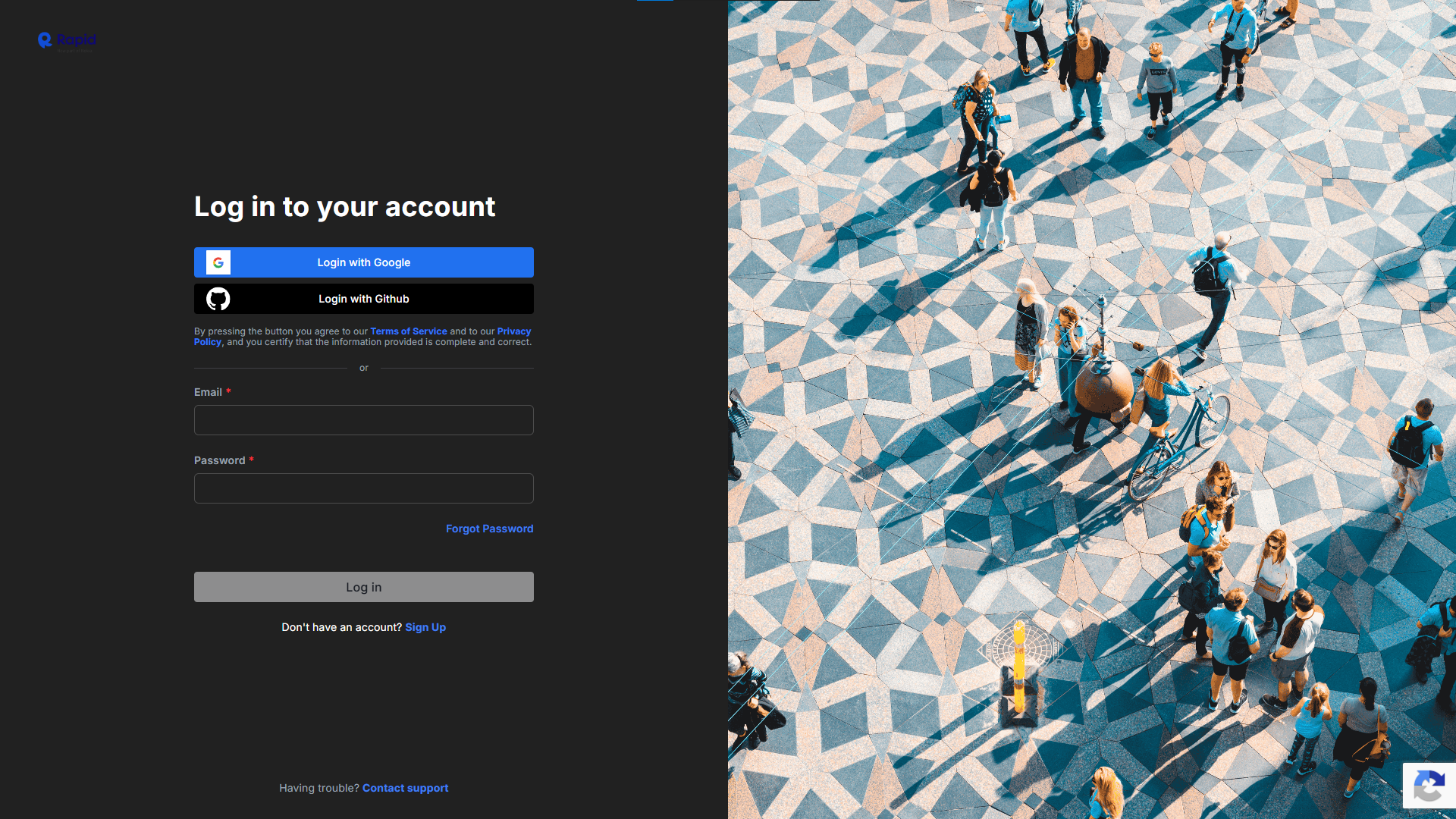 Open RapidAPI Login
YouTube MP3 API — Subscribe
Open the YouTube MP3 API page. Click the "Subscribe" button at the top right.
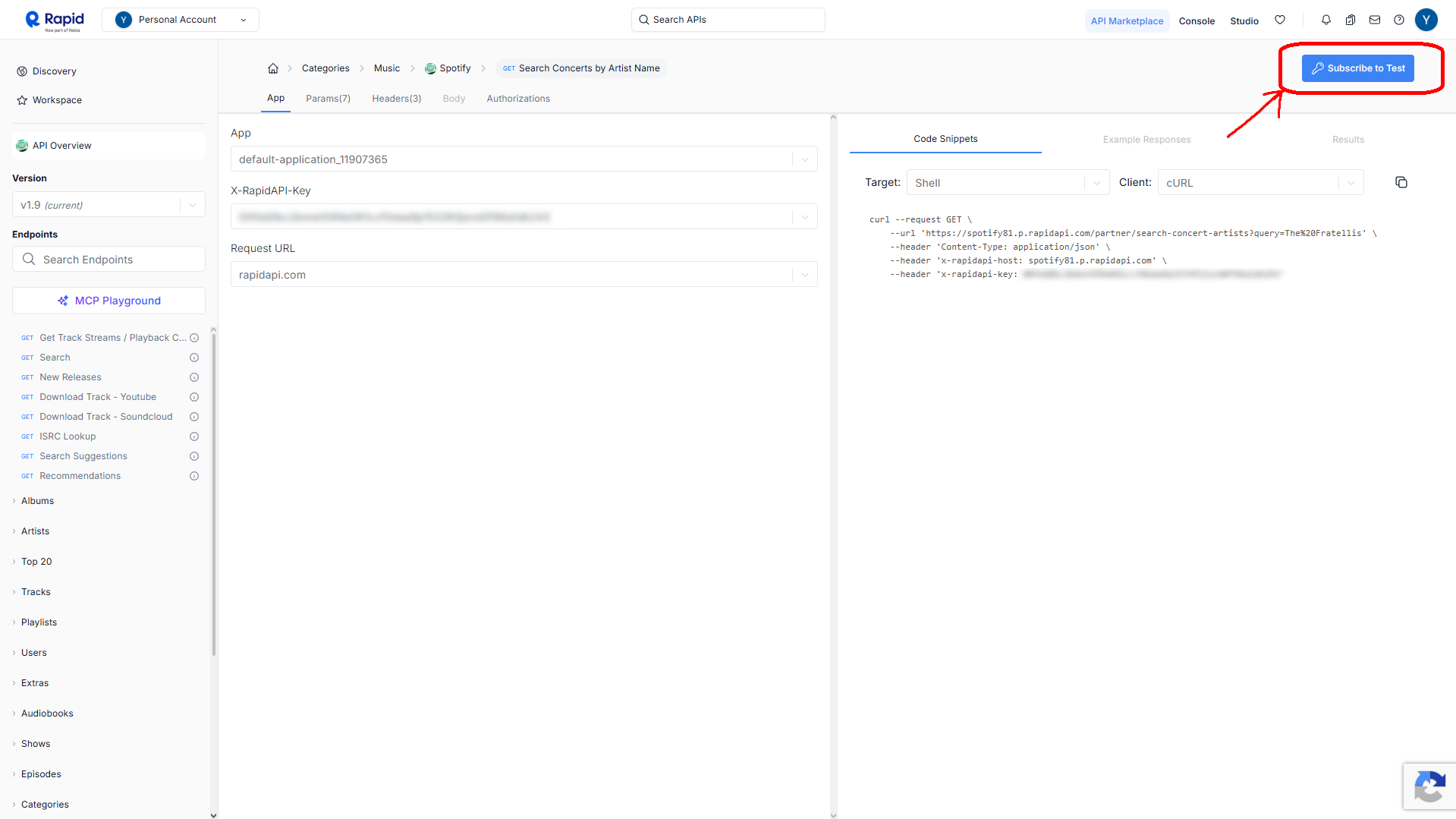 Open YouTube MP3 API
Select the Free Plan
In the subscription screen, choose the Free Plan ($0) option.
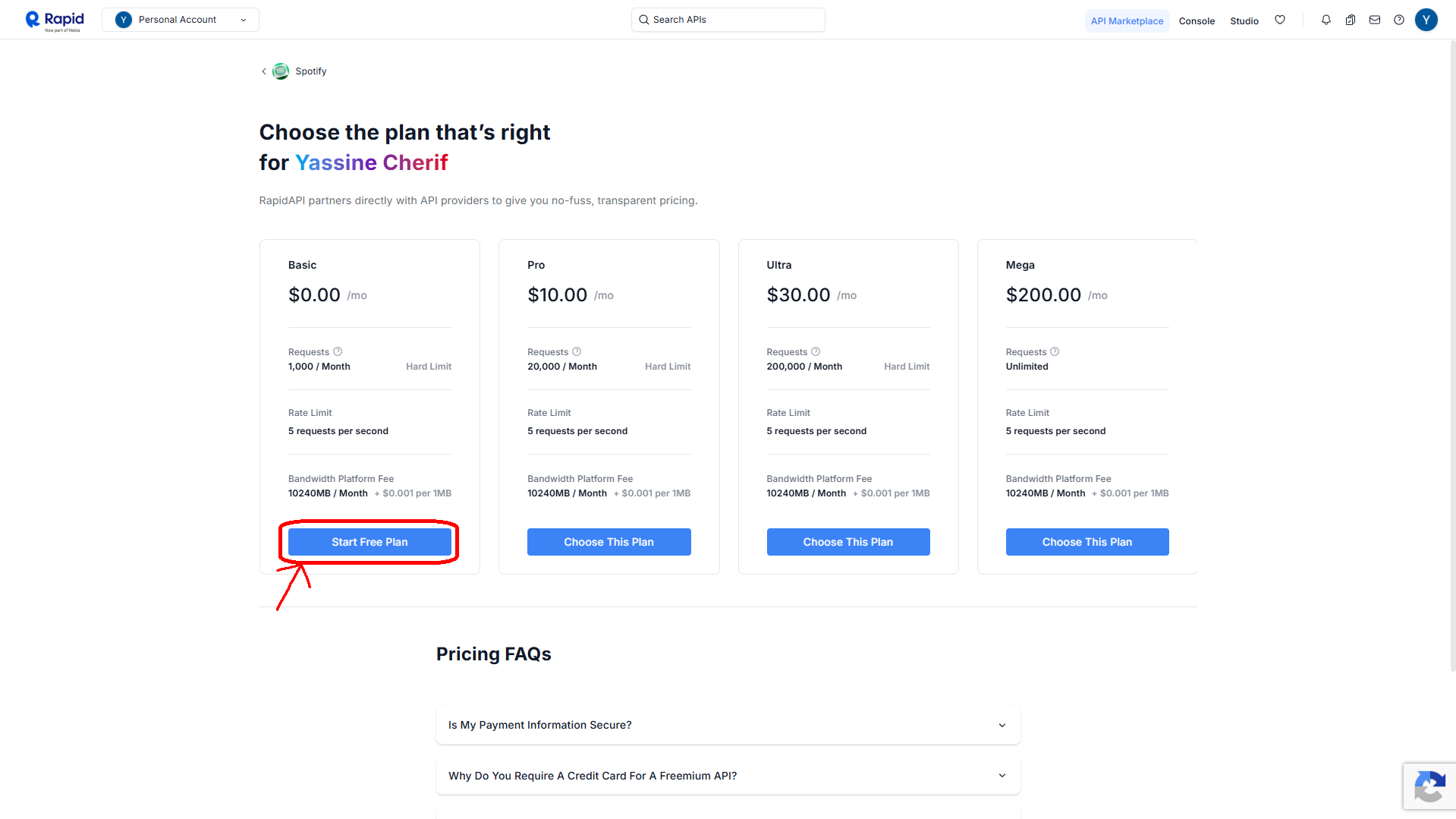
Confirm Subscription
After selecting the free plan, click the "Subscribe" button to confirm.
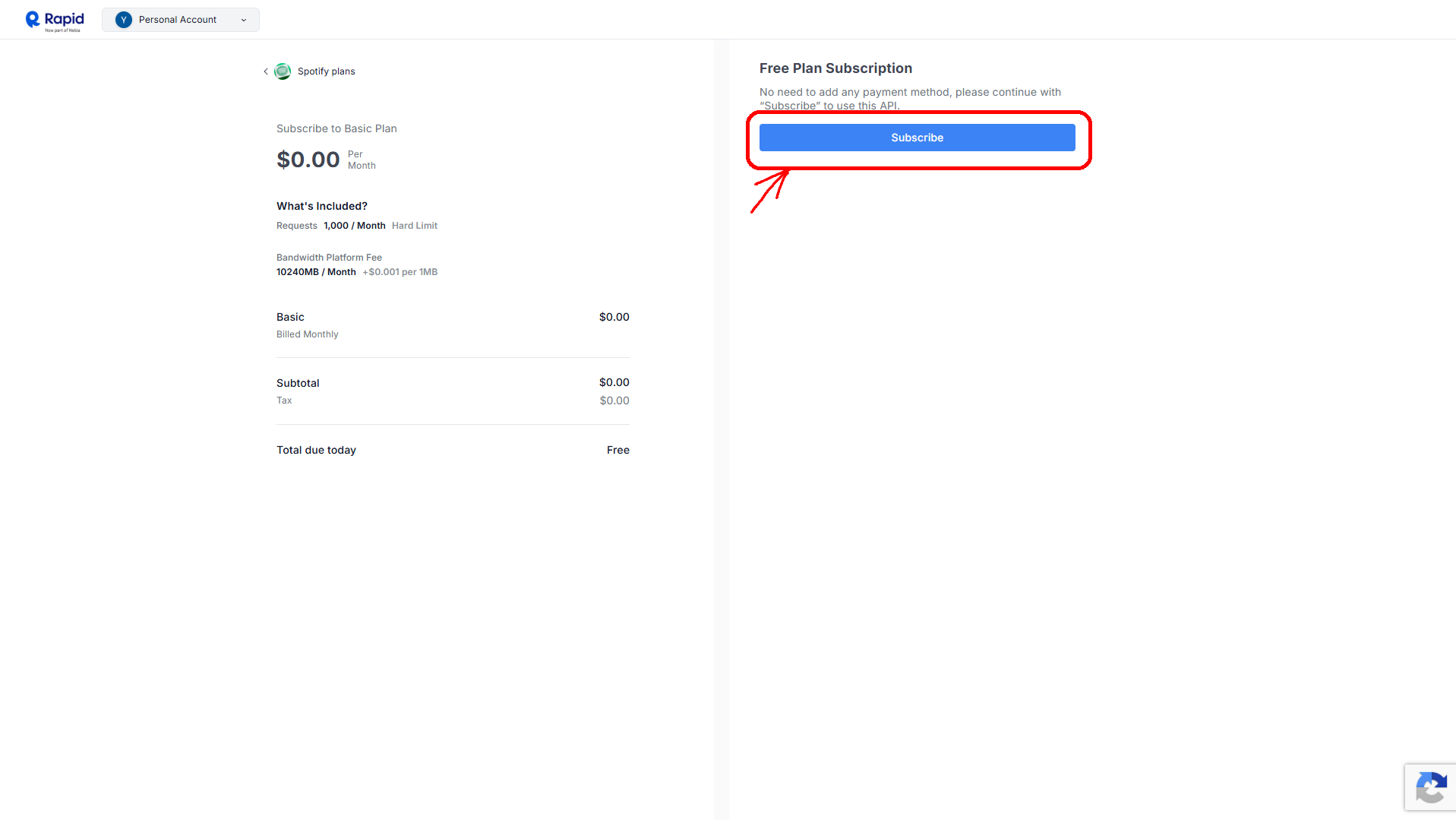
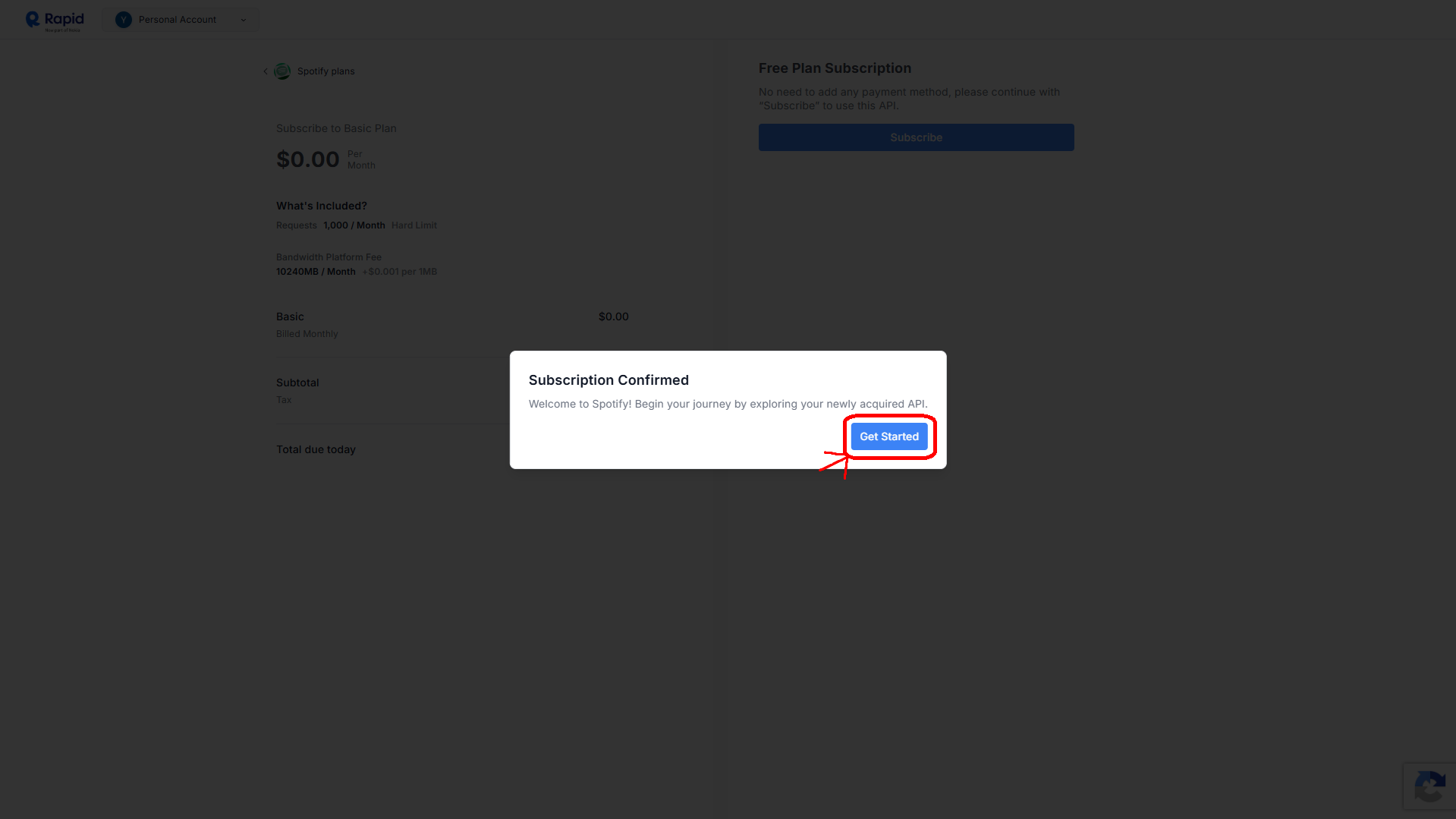
Click "Get Started"
Once subscribed, a confirmation box appears. Click "Get Started" to proceed.
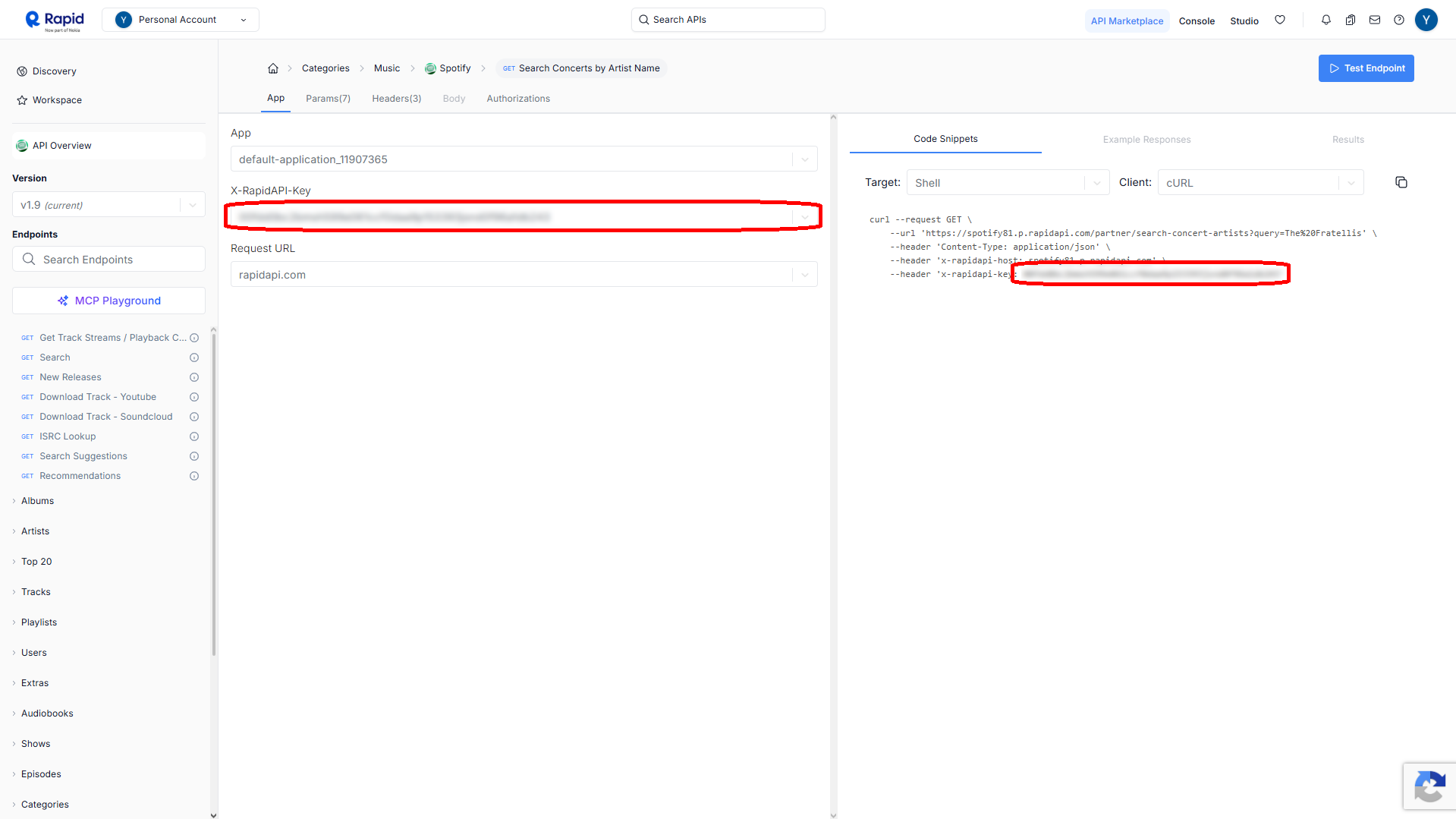
Copy Your API Key
You'll now see your API key on the screen. Copy it — you'll need it for the app.
Repeat for the Spotify API
Follow the exact same steps for the Spotify API link below. Subscribe to the free plan and copy your key.
Open Spotify81 APIAdd keys to the app
Open the app and go to the built-in settings screen. Paste both RapidAPI keys there.
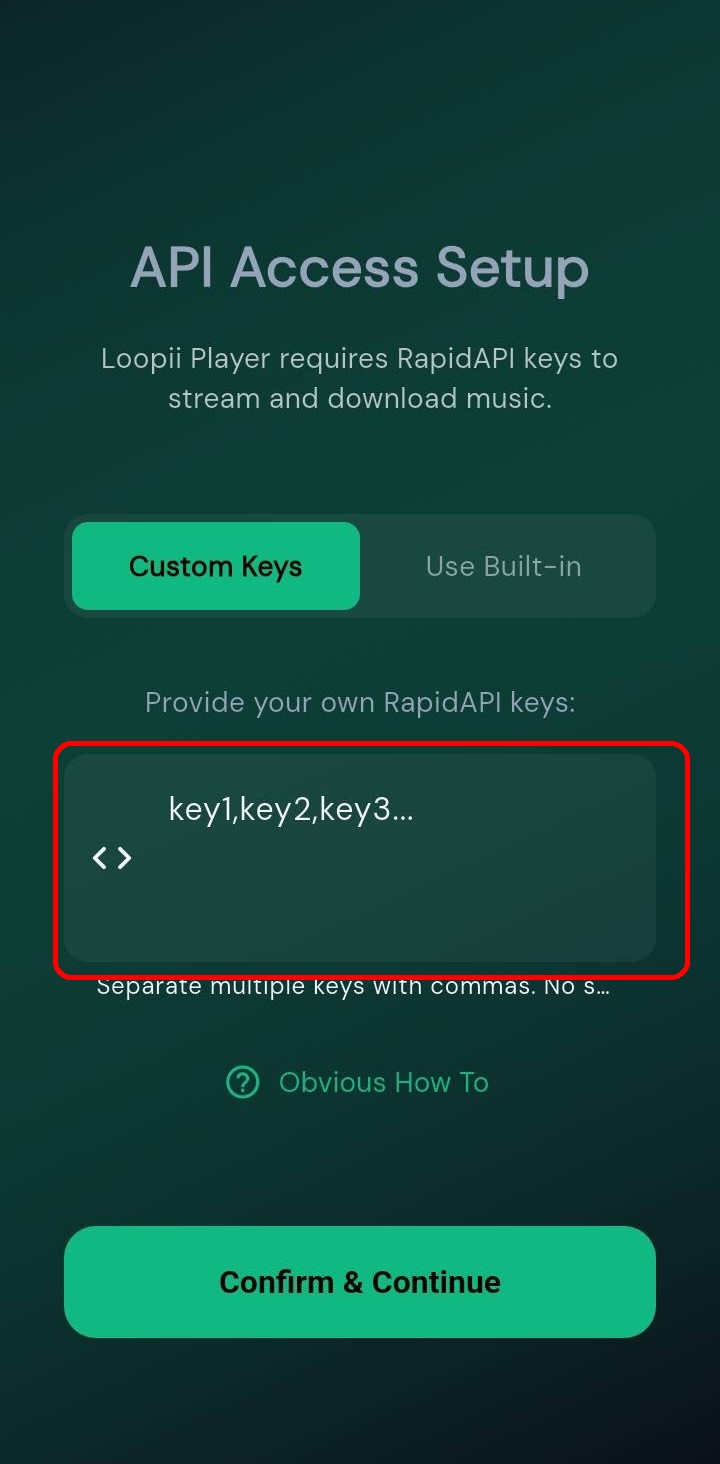
The same key works for both APIs. Hit save and you're ready to go.
Your API keys are private. Never share them or commit them to public repositories.